

Have you found a free mockup that looks right for a presentation, only to discover that the download, editable file and intended use are three different decisions?
A useful mockup workflow checks all three before the scene becomes part of a design review. The price of access is one field in that decision; it does not describe the file's capabilities or every permitted use.
Start with the deliverable, identify the original provider and review the exact asset or service terms. Then test whether the available file or browser export can represent the work accurately at its final size.
This guide compares six discovery and generation resources and provides an original handoff record for a fictional SaaS presentation. It distinguishes documented free entry points from unresolved conditions rather than treating every resource or plan as interchangeable.
Design task
Describe where the image will actually appear
A device scene for a private design discussion, a public portfolio image and a downloadable template are different deliverables. Write down which one is being prepared before selecting a mockup.
The brief should identify the design being shown, the destination, the required dimensions and whether the recipient expects an editable scene. That last question is easy to miss when everyone is focused on the finished presentation image.
For a SaaS team, a simple brief might say: “Prepare a desktop hero image and a mobile presentation image for a concept review. Keep the actual interface readable and preserve a separate flat screen for detailed feedback.” This is a fictional exercise, not a completed client project.
Record the expected output before comparing resources:
- A flattened presentation image, an animation or an editable scene.
- The destination and intended use.
- The actual artwork to place inside the mockup.
- The editing environment available to the team.
- The source and usage information that must accompany the handoff.
Separate presentation from product evidence
A phone frame or carefully lit laptop scene can help explain where a design will be used. It cannot prove that a website is responsive, that an app has been implemented or that an interaction works.
Retain the plain interface image beside the presentation render. A reviewer should be able to inspect the actual layout without relying on perspective, reflections or decorative surroundings.
A mockup presents the work; it should not conceal what still needs review.
This also makes the brief easier to discuss with a founder. If the question concerns a form's labels or a table's density, a straight screen view may be more useful than another polished device scene.
Resource collection
Compare the route and the conditions together
| Resource | Documented starting route | What must be checked for the chosen output |
|---|---|---|
| Mockup World | Directory focused on free mockup discovery | Original creator page, specific file terms and editing requirements |
| LS Graphics | Dedicated free-mockup collection | Selected asset format, applicable terms and any editor/account conditions |
| Mockup.new | Screenshot-based browser generator with a published free-use licence | Whether the chosen scene and output meet the brief; distinguish it from other services |
| MockupRiver | Downloadable PSD mockups with published usage terms | Exact scene, editable-file restrictions and the intended handoff |
| Mockups Design | Mockup catalogue with PSD and online editing routes | The selected file, documented usage scope and flattened-versus-source deliverables |
| Mockuuups Studio | A dedicated page advertising free mockups | Current selected-item, plan, export and commercial-use conditions before committing |
The table is a checking map, not a blanket clearance for every asset on every site. In particular, an advertised free entry point does not establish the complete terms of an account, template or final deliverable.
Mockup World: follow the listing to its creator
The Mockup World FAQ explains that its directory links to resources from independent creators. Its guidance tells readers to review the original download page and the licence supplied with the file.
Use the directory to discover a suitable scene, then record the destination that actually provides it. A saved link to a category page is not enough to identify the file that was used months later.
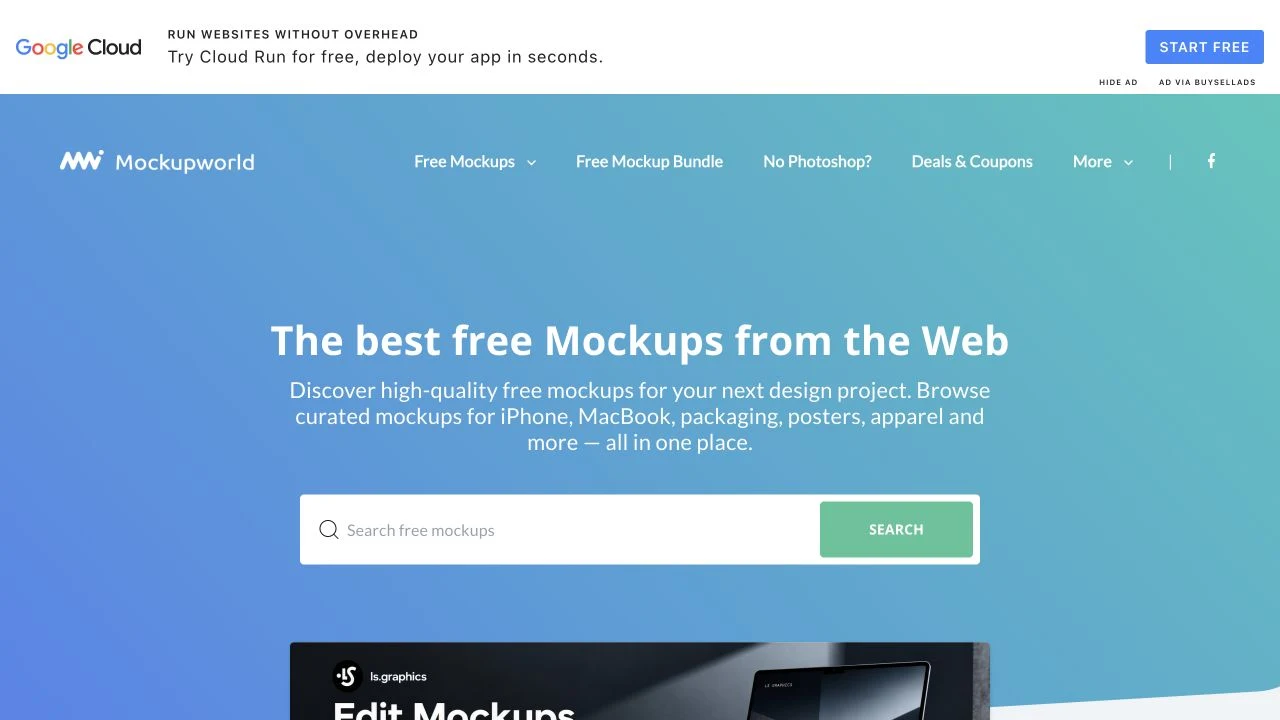
Website captured on 2 November 2026. Credit: Mockup World and the featured creators. Inclusion in the directory does not make every listed file subject to identical terms.
The asset record should distinguish the discovery page from the provider's page. That separation helps when a free offer moves, a download changes or another contributor needs the original instructions.
LS Graphics: distinguish the free collection from the wider catalogue
LS Graphics' free-mockup collection provides a dedicated starting point within its larger catalogue. Check the exact item and available format rather than assuming that a preview implies access to every editing option.
Its published terms address permitted use and restrictions on transferring or redistributing products. Retain the terms relevant to the actual acquisition and selected asset instead of substituting a third-party roundup's summary.
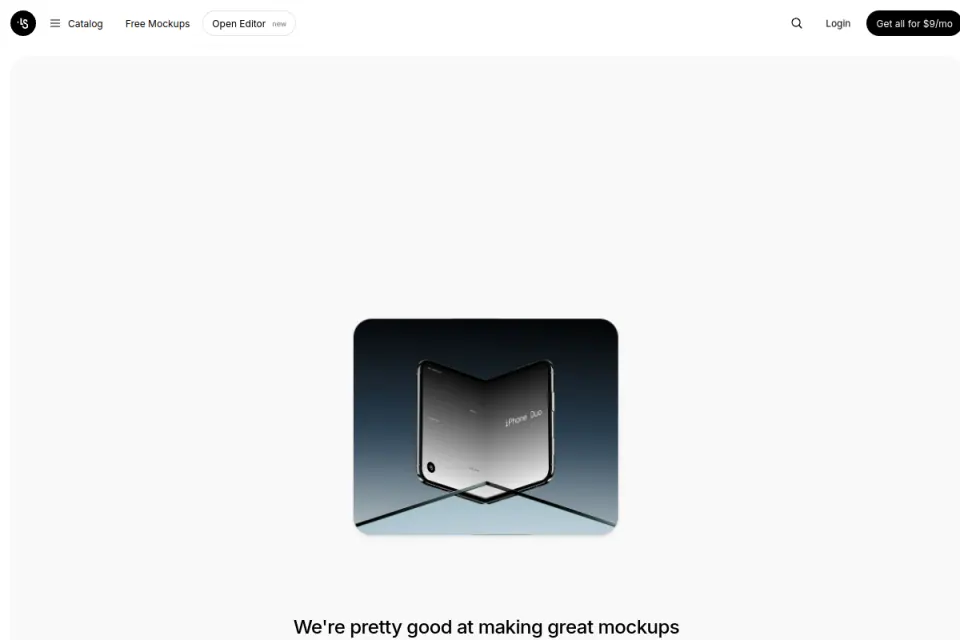
Existing Resource Box website preview. Credit: LS Graphics. The capture represents catalogue presentation, not a current claim about every plan or item.
For a website case study, inspect the scene's relationship to the artwork. A dramatic angle may be appropriate for a cover and unsuitable for a screen whose small text needs to be evaluated.
Mockup.new: keep the service identity in the record
Mockup.new accepts screenshots for browser-based mockup generation. Its own licence page describes generated mockups as free and permits personal and commercial use under that page's stated conditions.
The site also references Mockuuups Studio. Do not transfer one service's licence statement to another service or account merely because the provider is related.
Record the exact tool URL and generated output. For the fictional SaaS presentation, evaluate whether the available scene keeps the product screenshot readable and whether the exported result suits the intended destination.
MockupRiver: plan the handoff around the published restrictions
MockupRiver presents PSD mockup scenes and a published licence. The licence distinguishes using designs within the scenes from redistributing the underlying mockup files.
That distinction is relevant when a client asks for “all working files.” The team should identify which materials it created and which third-party source files need separate permission or an independent download.
Keep the selected scene's identity and applicable terms with the project. A flattened result and its editable source should not be treated as the same handoff item.
Mockups Design: record the permitted output form
Mockups Design provides a catalogue with PSD and online editing routes. Its licence describes use of modified, flattened graphics and restrictions on distributing open-format mockup files.
This is a useful example of why the output form belongs in the brief. The person preparing a client presentation and the person expecting an editable template may be talking about different deliverables even when they refer to the same scene.
Check the instructions for the selected mockup before choosing an editor. A file-format label by itself does not demonstrate that every editing application will reproduce all of the template's features.
Mockuuups Studio: verify the selected route before promising it
Mockuuups Studio's free-mockup page is a relevant entry point for device-scene discovery. Its existence is not, by itself, a full statement about the selected export, account entitlement or commercial-use conditions.
Those details were not fully resolved in this research, so this guide does not repeat the watermark, download-limit or commercial-permission claims made by third-party comparisons. Verify the actual route before committing it to a project.
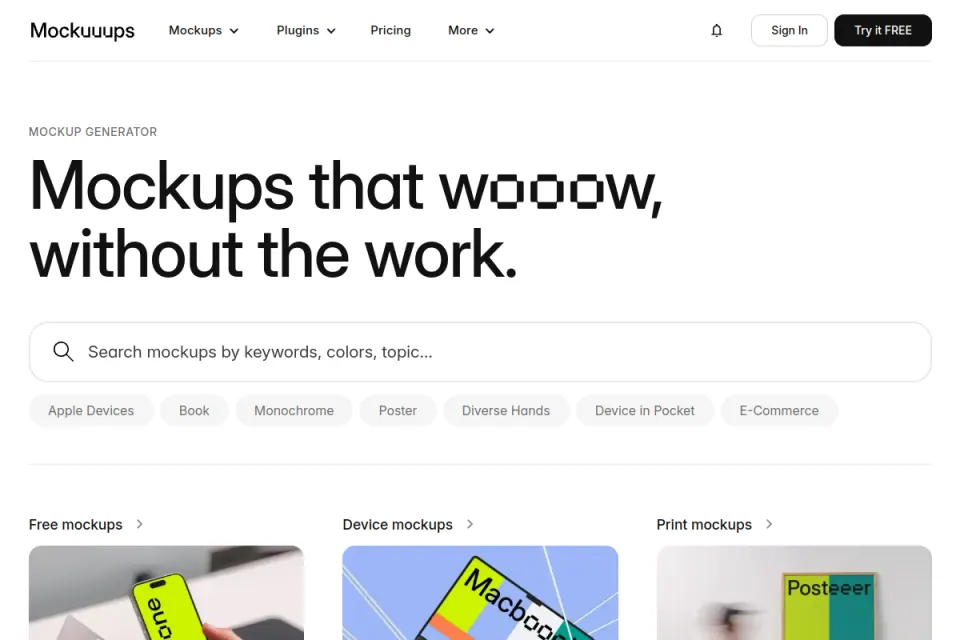
Existing Resource Box website preview. Credit: Mockuuups Studio. The image is a service preview, not evidence that a particular export is available on a particular plan.
The correct response to an unresolved condition is a visible review item. Selecting another documented route can be more useful than building the presentation first and investigating the missing condition afterward.
Fit and limitations
A free label is not an asset specification
Before editing, identify what will actually be obtained: a layered file, a browser-generated image, a preview, a trial export or a sample from a larger paid collection. These outputs support different workflows.
The required software, editable areas and output dimensions should be checked on the selected item. Do not assume that a downloadable file will behave exactly like a site's marketing preview.
This guide checked official resource and terms pages, rather than performing an editing benchmark across every product. It does not certify a particular asset for an individual contract; unclear usage questions need confirmation from the provider or an appropriate reviewer.
Do not fill a gap with somebody else's permissions claim
Research roundups can reveal useful sources and potential restrictions. The terms relevant to a chosen asset or service remain the primary reference.
Where the official information is incomplete or conflicts with another page, record the conflict and keep that output unapproved. A confident claim in an older article is not a reason to silently choose the more convenient interpretation.
The same discipline applies to changing destinations. If an old provider URL now redirects to a different-looking service, investigate the current identity and offer before treating the historical catalogue as available.
How to choose
Build one handoff record before creating a presentation set
For the fictional SaaS concept review, separate three work items: the flat interface, the device-scene render and the editable third-party scene. Each has a different role in the review and handoff.
| Record field | What to write | Why it matters |
|---|---|---|
| Source | Exact provider and asset URL | Identifies the scene rather than just the discovery site |
| Intended destination | Concept review, portfolio page or another defined use | Keeps the terms check tied to an actual purpose |
| Acquisition | Download or service route, date and relevant account context | Records what was obtained and under which conditions |
| Input artwork | Named interface export and version | Prevents a polished render from drifting away from the approved design |
| Editing requirement | File format and the creator's instructions | Makes compatibility a checkable task |
| Output | File type, dimensions and destination | Defines what the reviewer or client will receive |
| Usage reference | Applicable licence/terms URL and unresolved questions | Preserves the basis for the decision |
| Handoff boundary | Render, original artwork and any separately licensed source | Avoids treating all files as automatically transferable |
The table is an original project record, not a replacement licence. It is intended to make unanswered questions visible before the asset becomes embedded across a presentation.
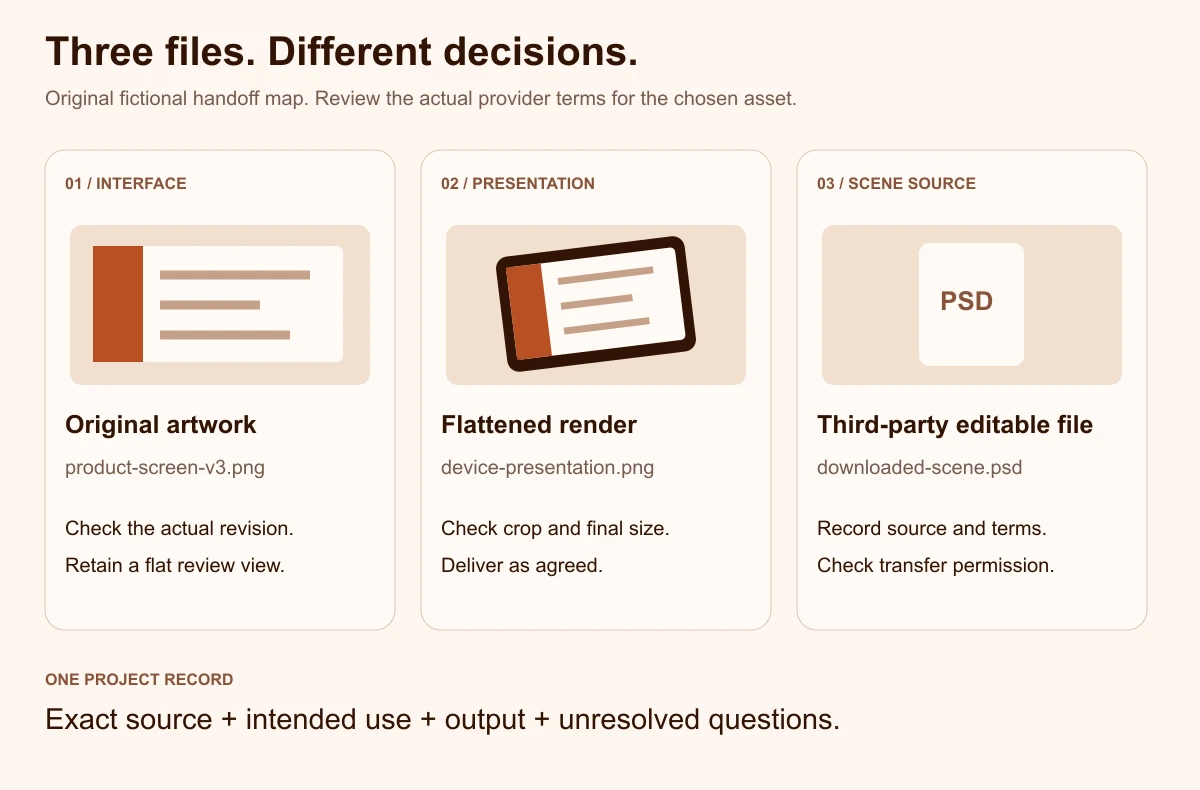
Original illustrative diagram by Upslide. The example files and decisions are fictional and do not represent a particular provider's licence.
Review the screen and the scene separately
First inspect the flat interface export. Confirm that it is the right revision and that the text, crop and key state match the work being discussed.
Then inspect the composition with the mockup. A reflection, hand, angle or surrounding object may obscure the exact element a reviewer needs to evaluate.
The final set can include both views. A presentation cover can establish context while a straight screen supports detailed feedback; one image does not need to perform every communication task.
Test the actual output size
Inspect the exported image at its intended destination size rather than only at the large preview used during editing. Check edges, text visibility, crop and any added credit line.
Avoid approving a scene solely because the original template has a large pixel count. The placed artwork, selected export and final display size all contribute to the result the reader will actually see.
If the output needs an alternate crop, create and inspect that version explicitly. A scene designed around one device angle may not survive an automatic social-card crop without hiding the useful part of the screen.
Choose a substitute before the presentation depends on an unclear asset
If the source file, format or terms do not fit, preserve the design and change the presentation route. The objective is to communicate the work accurately, not to rescue the first scene selected.
A simple browser frame or straight screenshot may be sufficient for an internal discussion. When a more elaborate scene is appropriate, use a route whose output and conditions the team has actually checked.
Document the change so the next contributor does not revive the rejected asset from an old folder. Record what failed the check, such as missing source terms, an incompatible editable format or a crop that hides the interface.
Connect the presentation to useful design references
Browse Inspire's daily picks to study how designers present interfaces in context. Credit the original creators and keep observed presentation choices separate from claims about the implemented product.
The SaaS website examples guide helps investigate what a page communicates. For an earlier stage of the work, the wireframe-resource guide addresses a different task: discussing structure before a polished scene is needed.
Frequently asked questions
Does a free download automatically allow client work?
No. Review the actual asset or service terms for the intended use and acquisition route.
A download price, a plan name and a licence are separate pieces of information. When the relevant terms are unclear, keep the asset unapproved until the provider or an appropriate reviewer resolves the question.
Should the editable mockup file be included in a client handoff?
Check the applicable terms before including it. A finished presentation image, the team's original artwork and a third-party editable scene are distinct materials. The handoff record should identify which ones are included and which require the recipient to obtain their own permitted access.
Is a browser generator always easier than a downloaded file?
It depends on the actual output and editing task. A browser route may suit a quick screenshot presentation, while a downloaded scene may offer different editing controls. Review the selected route's export, compatibility and conditions rather than choosing solely from the labels “online” or “PSD.”
Can a device mockup prove that a design is responsive?
No. A scene can show artwork inside a device frame without establishing how the implemented interface responds to different widths or content.
Review the actual responsive layouts and implementation separately. Keep a flat, readable view available when the purpose is to discuss the interface itself.
What should be checked when an old resource link redirects?
Confirm the current provider, selected asset and offer instead of assuming the former catalogue remains available. Retain the original discovery note, but update the project record only after investigating the destination. If the identity or relevant conditions are unresolved, use another source rather than inheriting historical claims.
How can a small team avoid repeating the same checks?
Keep a source and handoff record with each selected asset, including its exact URL, acquisition date, usage reference and intended output. Reuse that information as a starting point while checking for changes relevant to a new use. A saved record improves continuity; it does not make all future uses automatically covered.
Key takeaways
- Define the deliverable before selecting a free mockup.
- Check the original source, selected output and applicable terms together.
- Keep interface artwork, presentation renders and editable scenes distinct.
- Inspect the actual crop and destination size, not only the template preview.
- Preserve unresolved conditions and handoff boundaries in the project record.
We help SaaS teams make their websites and product interfaces clear enough to evaluate and implement. Explore Upslide's design services when the underlying design needs work beyond its presentation scene.